
How to Download Files from Filejoker: Free vs. Premium Walkthrough
Whether you stumbled upon a Filejoker link on a discussion board or a creator shared a private folder URL with you, downloading your file is straightforward once you know the exact steps.
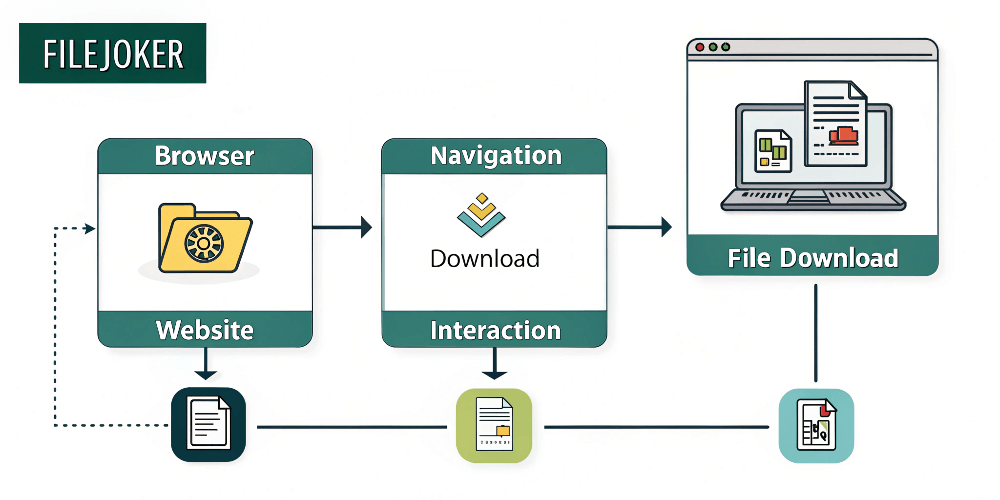
FileJoker operates on a dual-tier model: a free, ad-supported tier for occasional visitors, and a high-speed Premium tier for power users. In this walkthrough, we explain exactly what to expect on both routes and how to get your files onto your device without friction.
Method 1: Downloading as a Free User
If you only need to grab a small document or lightweight file and do not have an active subscription, you can use the free service:
- Open the Download Link: Click the FileJoker URL. You will land on the file summary page displaying the file name, file size, and upload date.
- Select Free Download: Look below the file details and click the gray “Free Download” button.
- Wait for the Countdown Timer: Free users must wait through a brief countdown timer (typically 60 to 90 seconds). Do not close or refresh the browser tab while this timer is running.
- Solve the Captcha Challenge: Once the countdown finishes, solve the visual reCAPTCHA verification to prove you are human.
- Click to Start: Click the generated download link to begin your transfer. Note that free downloads are capped at standard speeds and cannot be resumed if interrupted.
Method 2: Downloading with a Premium Account (Instant & Accelerated)
For large video files, software archives, or multiple downloads, the Premium workflow is night and day compared to the free route:
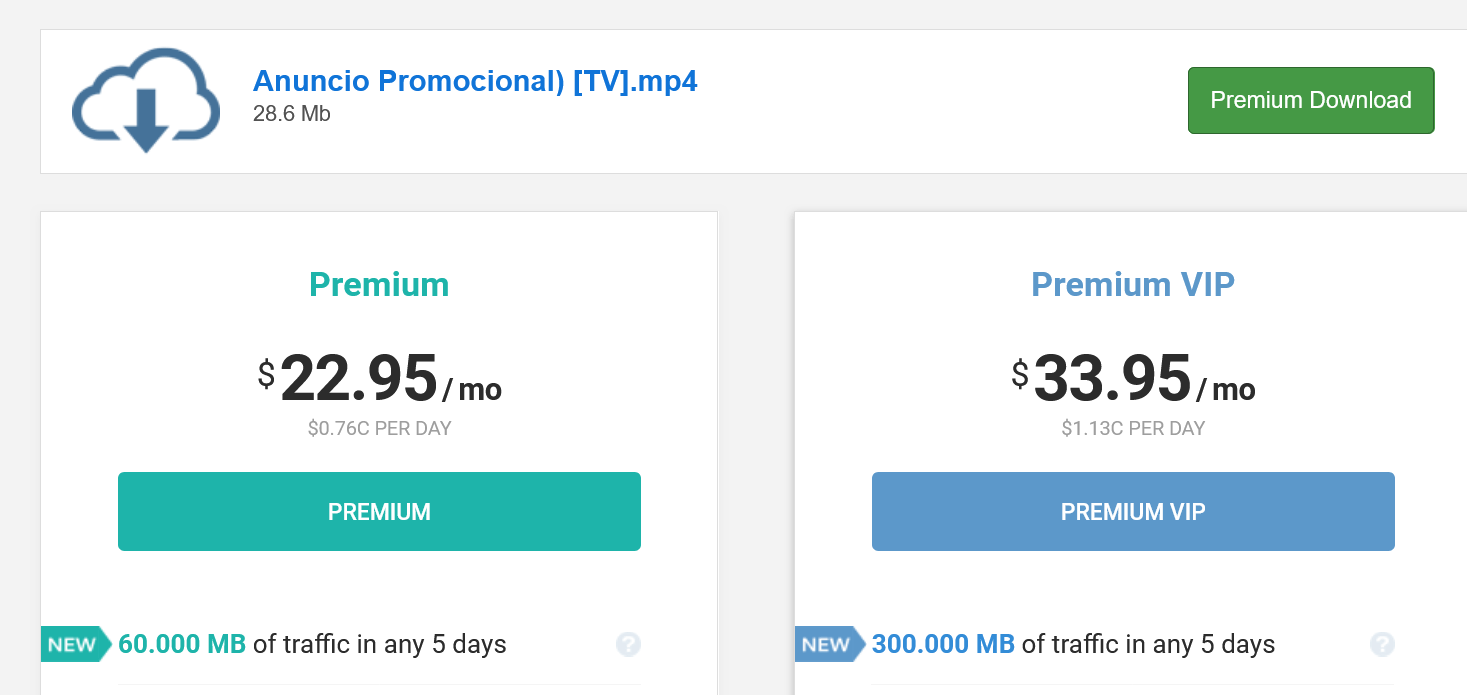
- Log In to Your Premium Account: Make sure you are logged in on the FileJoker website before opening your download link.
- Click High-Speed Download: When you open the file page, simply click the prominent “Premium Download” button. There is zero waiting time, zero advertisements, and zero captchas.
- Enjoy Full Bandwidth: Your transfer starts immediately at the maximum speed your internet connection can support. If your connection drops, you can pause and resume the download at any time.
Quick Comparison: Free vs. Premium Downloads
- Download Speed: Free is capped (~50-100 KB/s); Premium is completely uncapped (tested up to 1000 Mbps).
- Simultaneous Downloads: Free allows only 1 file at a time; Premium allows multiple concurrent transfers.
- Waiting Time: Free requires 60-90 second delays plus wait intervals between downloads; Premium is instant.
- Resumable Downloads: Free cannot resume broken transfers; Premium offers full resumption support.
Last Update: 20 September 2026 - 12:00