
FileJoker “Your Download Has Not Finished Yet” – How to Fix It
If FileJoker is showing “Your download has not finished yet” even though you are not downloading anything, there is usually no need to worry. This message is mostly related to FileJoker’s free download restrictions or a previous download that was interrupted.
It can be especially confusing when a download has already failed or you closed it, but FileJoker still acts as if the download is active.
Why Does FileJoker Show This Error?
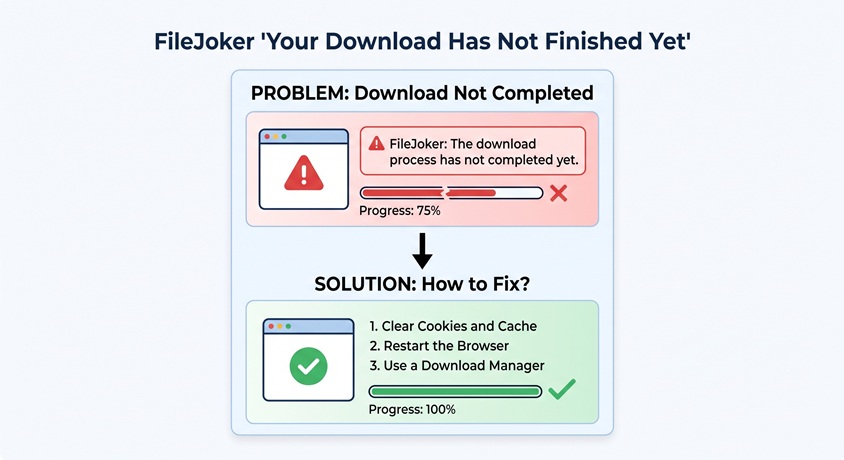
The most common reason is a previous free download. If the download was stopped, failed or lost its connection, FileJoker may still prevent another free download for a while.
There can also be a restriction associated with your current IP address. This is worth considering if you are using a shared internet connection, VPN or proxy.
If you are using JDownloader, the message does not necessarily mean that JDownloader itself is broken. In some cases, JDownloader is simply displaying the response it received from FileJoker. A JDownloader forum case also shows the exact “Your download hasn’t finished yet” message being returned by FileJoker together with a free-download waiting period.
How to Fix “Your Download Has Not Finished Yet”
1. Check for another active download
First, make sure you do not have another FileJoker download running in JDownloader or your browser. If you have FileJoker open on another computer using the same internet connection, check that as well.
2. Open the FileJoker link in your browser
If you are using JDownloader, copy the original FileJoker URL and open it directly in Chrome, Firefox or another browser.
If you get the same message in the browser, the problem is probably not JDownloader. It means FileJoker is still applying the restriction to your download.
3. Wait for the free-download timer
If FileJoker shows a countdown, unfortunately the easiest solution may be to wait until it reaches zero. Free downloads have waiting restrictions, and the waiting time can vary depending on the situation.
Repeatedly refreshing the page usually won’t make the restriction disappear.
4. Try another internet connection
If you have not downloaded anything recently but FileJoker still shows the error, try opening the link using another connection, such as a mobile hotspot.
This is a quick way to check whether your current IP address is involved. VPNs, proxies and shared networks can sometimes make these restrictions more confusing.
5. Refresh the link in JDownloader
If the browser works but JDownloader continues to show the error, remove the old download from JDownloader and add the original FileJoker link again. Also make sure you are using the latest version of JDownloader.
What If the Download Stopped Halfway?
This is probably the most frustrating situation. You may still have a partially downloaded file on your computer, but that does not necessarily mean you can continue the download.
FileJoker lists pause and resume functionality as a Premium feature, so free downloads have more limitations when a large download is interrupted.
If the download failed halfway through, you may need to wait for the free-download restriction to clear before starting it again.
Still Getting the Same Message?
If you have checked that no download is running, tried the original link in your browser and tested another internet connection, but FileJoker still says “Your download has not finished yet”, the restriction may simply need to clear on FileJoker’s side.
In that situation, waiting is usually better than repeatedly reinstalling JDownloader or clearing your browser data. If the problem continues for an unusually long time, contacting FileJoker support is the next step.
Quick Fix
- Stop any other FileJoker downloads.
- Try the link directly in your browser.
- Wait if FileJoker shows a countdown.
- Try another internet connection.
- Refresh the link if you are using JDownloader.
- If nothing works, wait for the restriction to expire or contact FileJoker support.
In most cases, “Your download has not finished yet” does not mean that there is something wrong with the file itself. It is usually related to FileJoker’s free-download restrictions or the state of a previous download.